Retail counter with POS tablet

Guide

How SmallPOS works

A practical path from empty shop to ringing sales — designed for one owner and a few staff, not an enterprise roll-out.

01

Create your free shop

On Register, enter your shop name and your admin details. SmallPOS provisions an independent store: settings, a Main branch, walk-in customer, and a starter chart of accounts. You land on a clean dashboard — not someone else’s history.
02

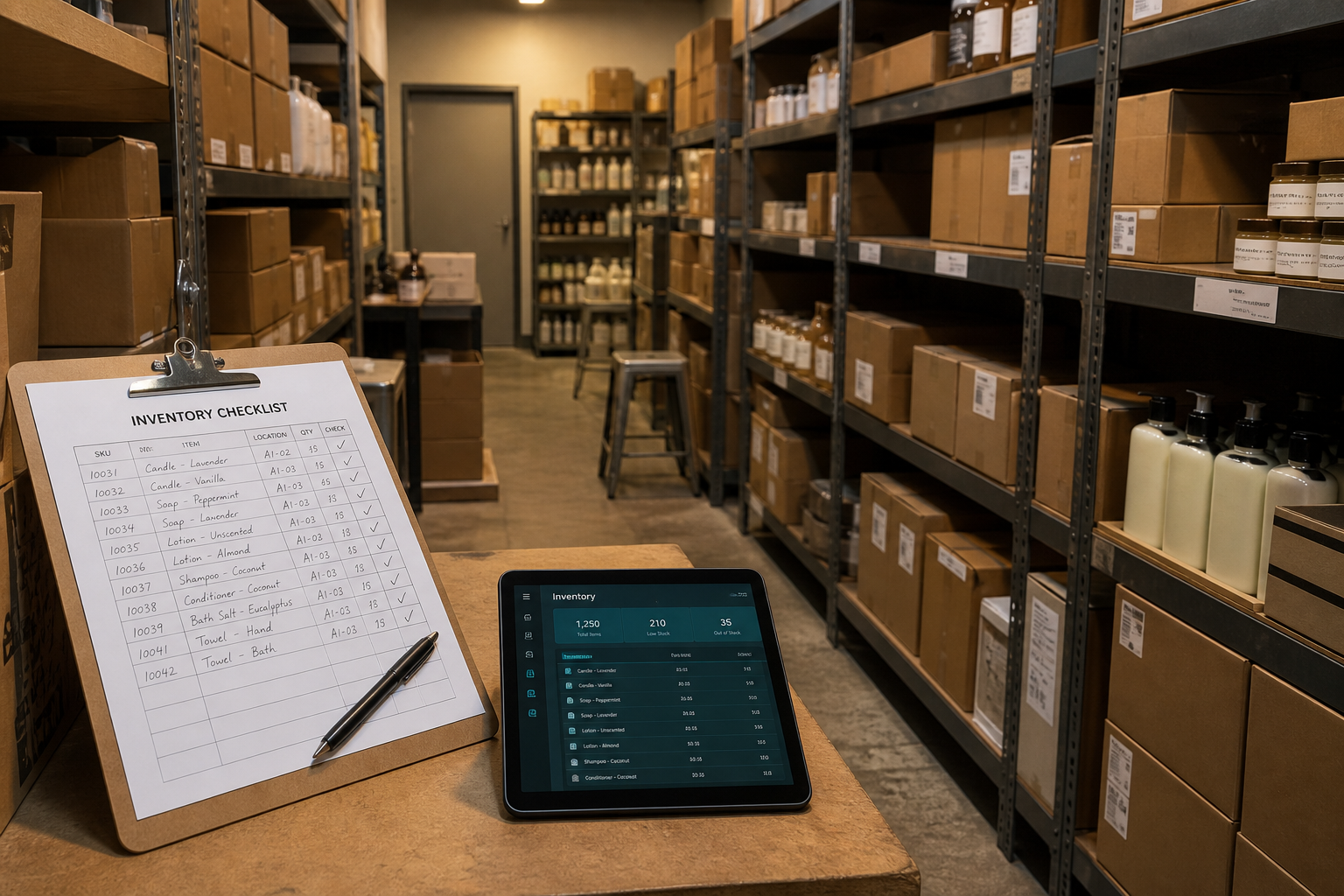
Build the catalog & receive stock

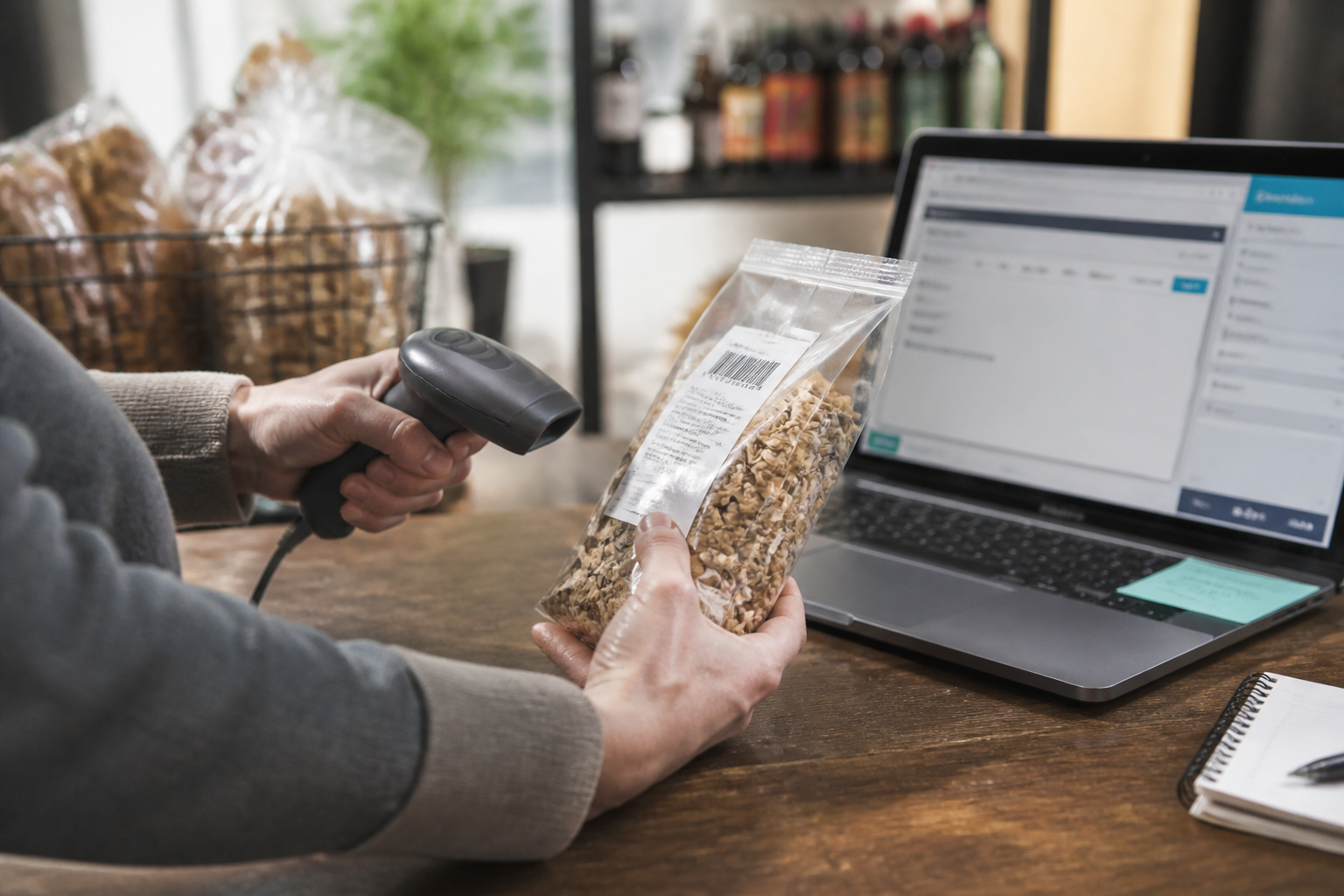
Add market products with the barcode on the pack, or create custom items and print labels. Record supplier deliveries into the working branch so quantities stay honest.

Build the catalog & receive stock
03

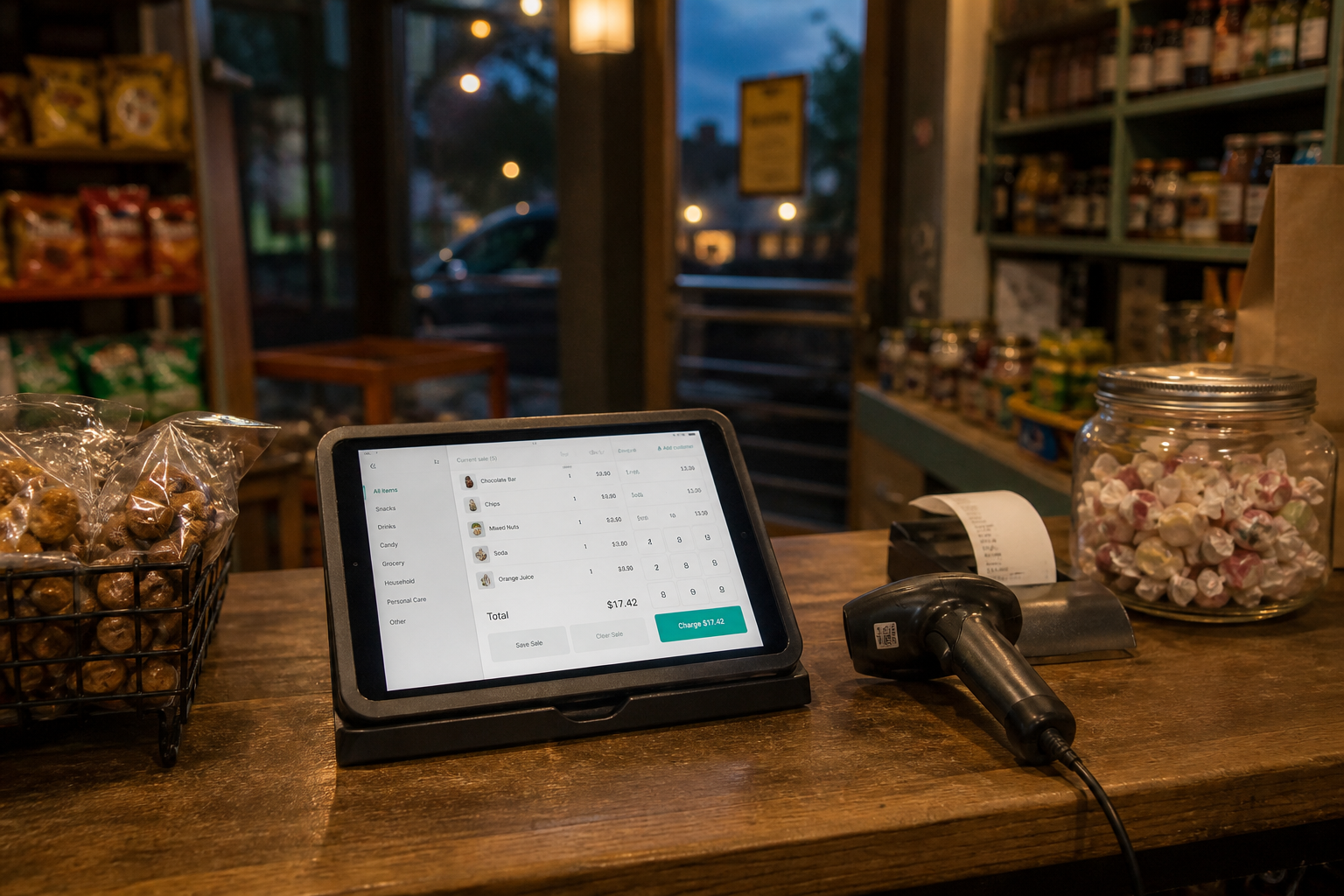
Open the shift, open the till

Staff open a cash shift with a float when required. On POS, scan or search, adjust the cart, take cash/card/mobile or split pay, and checkout. Sale lines, payments, and stock movements commit together.

Open the shift, open the till
04

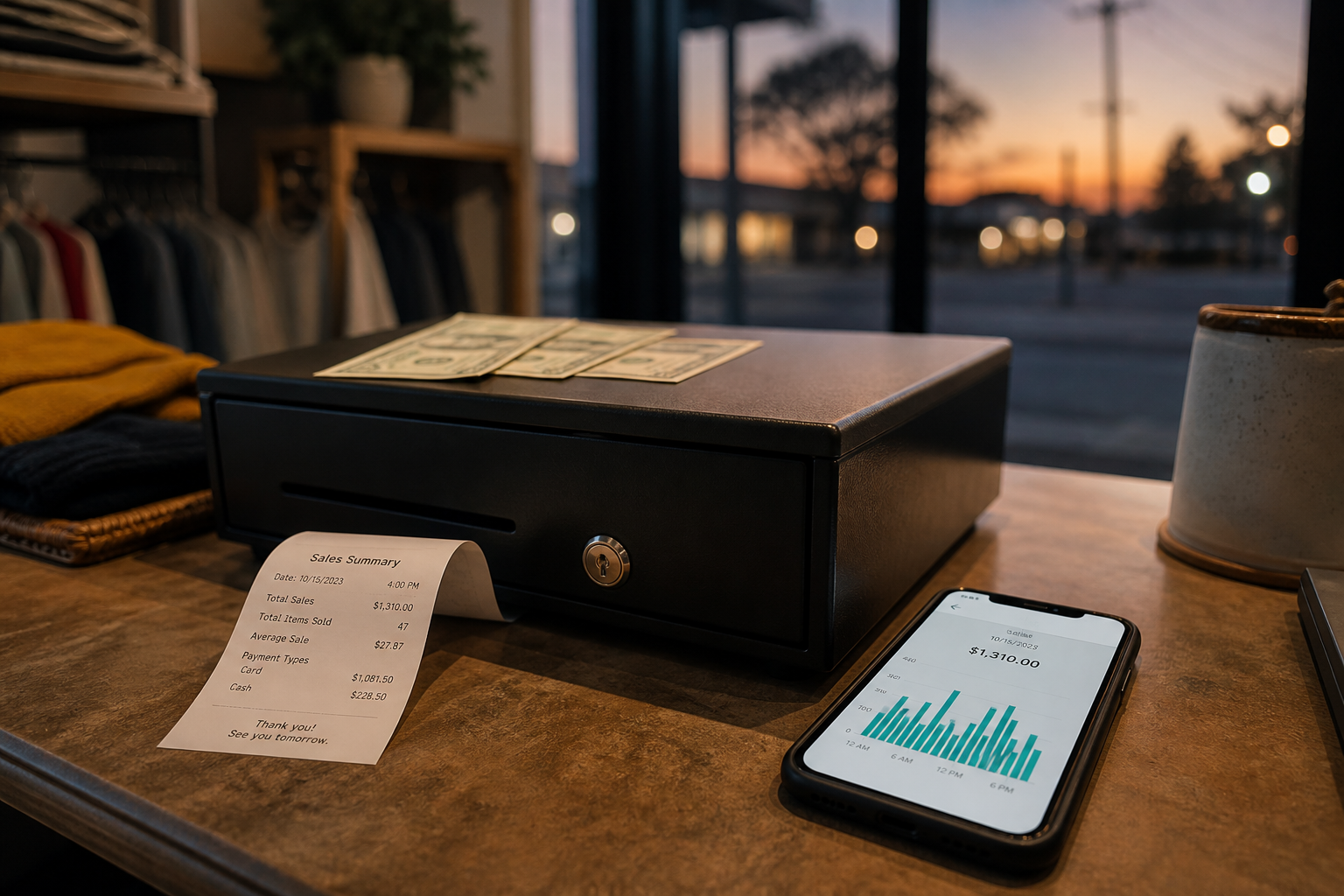
Close the day, read the books

Close the shift and reconcile the drawer. Dashboard shows today vs yesterday; reports and CSVs go to your accountant. Journals post behind the scenes for trial balance and P&L when you need formal books.

Close the day, read the books